Your AI chatbot often gives different numbers than your Power BI dashboards because it isn't reading the same thing. The dashboard calculates a KPI with a measure, filters and a calendar someone agreed on. The chatbot may read raw tables, pick between similar fields, or miss the filters on the report page. The mismatch can expose definitions that were never written down, owned or shared with the AI.
At a glance
- A chatbot and a dashboard commonly disagree for three reasons: they read a different source, apply a different definition, or use different filters.
- Much of the fix isn't in the AI model. It's in agreeing one definition per KPI and giving it a named owner.
- Once that definition exists, it has to reach the AI as well as the report reader, or the two can drift apart again.
Why the chatbot and the dashboard disagree
Teams often blame the model first. But the problem may sit elsewhere: the chatbot encounters the same unresolved definitions your dashboards rely on, without the context a report builder added by hand.
For example, the sales director asks the company chatbot for last quarter's revenue. The answer doesn't match the board dashboard. The chatbot summed an invoice table. The dashboard uses a measure that excludes credit notes and intercompany sales, filtered to the fiscal quarter. Both numbers are called revenue. Only one is the agreed one, and nothing told the chatbot which.
Start by tracing the mismatch to three common places.
The three places the numbers split
1. A different source
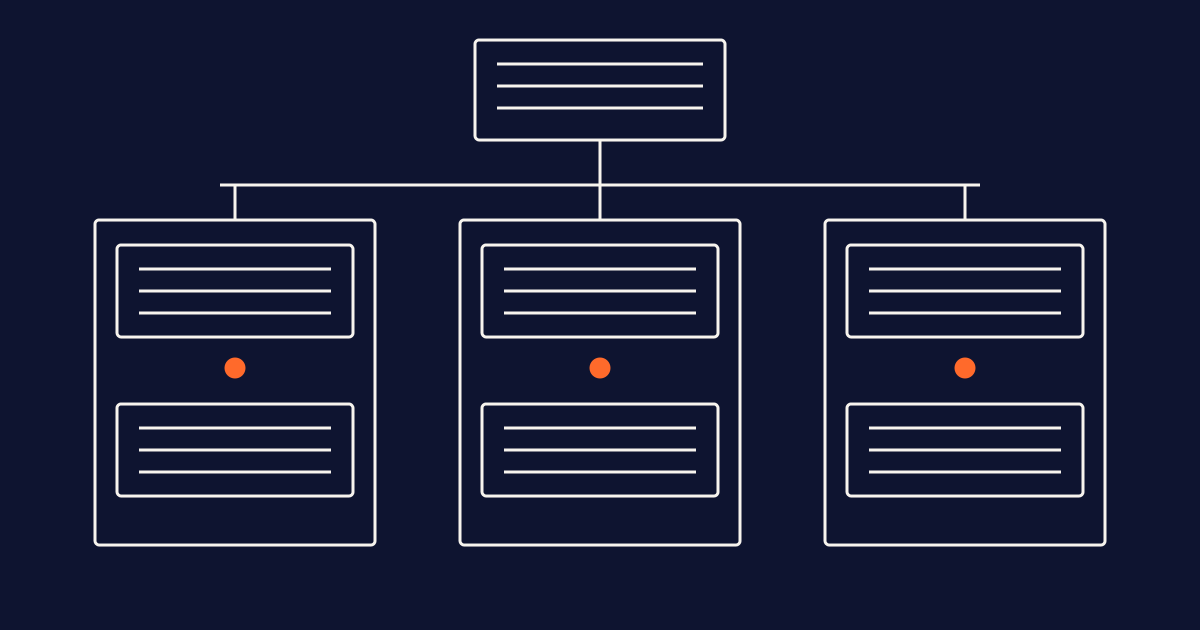
A Power BI dashboard typically calculates KPIs with measures in the semantic model. That's where business logic can live: what to exclude, how to treat returns, which currency to use. A chatbot connected only to the warehouse, a data lake or an exported file doesn't automatically see those measures. If it recalculates from raw columns, it rebuilds the logic from scratch, often more simply.
2. A different definition
Even on the same source, the AI has to choose. If a model holds “Revenue”, “Net Revenue” and “Revenue (old)”, the AI may pick the one whose name best fits the question. Without a written description that says which one the business means, that choice can become a guess. People face the same ambiguity, but they can ask a colleague first.
3. Different filters and context
A dashboard page carries context the reader may not notice: a fiscal calendar, a filter that excludes test customers, a default region, and row-level security. A question typed into a chatbot doesn't automatically carry the same context. Some context must be supplied explicitly; security must be enforced through the relevant access controls, not merely described in a prompt. “Last quarter” in a chatbot may mean the calendar quarter. On the dashboard it may mean the fiscal one.
Copilot in Power BI gives wrong answers about our KPIs. How do we fix that?
Copilot in Power BI starts closer to the dashboard than a chatbot connected only to raw data, because it works with the semantic model. That can reduce the source problem. The definition and context problems remain.
Microsoft's guidance is to prepare the semantic model before relying on Copilot. That includes clear names for tables, columns and measures, descriptions on important measures, and synonyms for the words people actually use. Microsoft's documented Prep data for AI features include AI data schemas to focus the fields considered, AI instructions to provide business guidance, and verified answers for curated responses to common questions.
These features reduce ambiguity, but they do not guarantee identical outputs. They also depend on someone knowing which revenue measure is the right one and what it means. If that isn't agreed, preparing the model won't resolve the underlying disagreement. Start with the definition, then make it available to Copilot.
How do we stop our AI assistant from making up business definitions?
An assistant may invent a definition when it's asked about a term and has nothing to ground the answer in. It can fill the gap with a common meaning learned during training, which may not be your company's meaning.
The fix is to give it something better to read. Write one plain-language definition per business term, name an owner, and make that text available to the assistant at the moment it answers. Many enterprise AI tools provide ways to supply grounding or instructions. Microsoft's Fabric data agent, for example, supports instructions and example queries. Example queries are supported for Lakehouse, Warehouse and Eventhouse sources, not for semantic model sources. Instruct the assistant to say when it can't find an agreed definition rather than guess, and test whether it follows that instruction.
A definition in a slide deck or an unconnected wiki page is not enough for grounding. If the assistant can't retrieve it, it cannot reliably use it in its answer.
How do I make sure our AI chatbot gives correct answers about company KPIs?
Treat the chatbot like any other report: test it before people rely on it.
- List the KPIs that reach management and board reports. Those are the ones people will ask about.
- For each one, write the question the way a manager would ask it, and note the answer the dashboard gives. Record the data refresh, filters, calendar and access context so the comparison is meaningful.
- Ask the chatbot each question and compare. Where it differs, investigate which of the three splits caused it.
- Fix the underlying definition or context rather than relying only on a prompt workaround. A workaround may help one question; a shared definition can improve consistency across questions about that KPI.
- Rerun the same questions after every model change, new data source or definition change.
Where your chatbot gets its numbers: four setups compared
Many companies end up with more than one of these. The question is whether they all point to the same definitions.
| Setup | What the AI reads | Uses the dashboard's logic | Who keeps it current |
|---|---|---|---|
| Chatbot on raw tables or files | Columns and rows | Not automatically; it may recalculate | Nobody unless responsibility is assigned |
| Copilot on a prepared semantic model | Measures, descriptions, synonyms and AI preparation settings | Can use that model's measures; report context still needs checking | The model's author |
| Instructions pasted into one chatbot | Text written for that tool | Partly, if copied correctly and applied as intended | Whoever set up the bot |
| Shared, owned definitions the AI can query | Definitions, owners, links to reports | Can align with the logic when linked to measures and applied in the right context | The named KPI owner, supported by technical maintainers |
A practical framework: Name, Define, Own, Share, Test
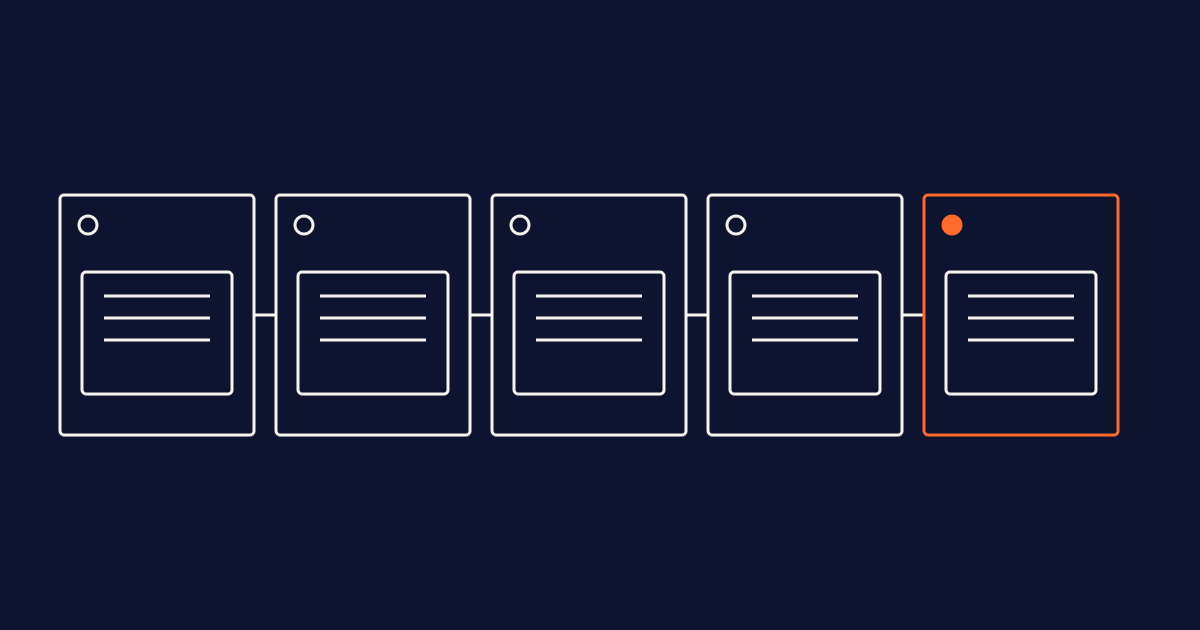
- Name: one name per KPI, used consistently in every model, report and prompt.
- Define: one plain-language sentence that says what's included, what's excluded and which calendar applies.
- Own: one named person who can change the definition and answers questions about it.
- Share: make the same definition available to report readers and AI tools from one maintained place, rather than copying it into each. Updating once is a design aim; connected systems still need retrieval, refresh and validation mechanisms.
- Test: a fixed set of KPI questions, rerun whenever the model, the data or the definition changes.
Align definitions before changing models
When a chatbot disagrees with a dashboard, it's tempting to switch models or rewrite the prompt. Neither addresses an unresolved business definition. The mismatch may be showing you which KPIs were never agreed, owned or written down. Establish a shared definition, give people and AI access to it, align the calculation context, and test whether the numbers match.
Frequently asked questions
Why does a general AI chatbot give different numbers than our Power BI report?
Unless explicitly connected and configured to use them, a general chatbot doesn't automatically see your semantic model, measures or report filters. It answers from whatever data or text it receives and may fill gaps with general knowledge. Give it access to agreed definitions and the appropriate calculation context, then test it against the dashboard.
Is Copilot in Power BI more accurate than other chatbots?
Working with the semantic model gives Copilot a useful starting point compared with a chatbot that only reads raw tables. Accuracy still depends on the model's measures, names, descriptions, definitions and context. Prep data for AI, AI data schemas, AI instructions and verified answers can reduce ambiguity, but do not guarantee identical or correct outputs.
Can we fix wrong KPI answers with better prompts?
For one question, sometimes. Prompt-only fixes may be specific to one tool or phrasing. An agreed, owned definition available to every relevant tool addresses the underlying ambiguity more broadly, but calculations, filters and retrieval still need testing.
Who should own KPI definitions for AI?
The same person who owns them for reporting: someone with authority to approve changes to what the KPI means, usually in the business rather than IT. Technical teams should support implementation. Splitting ownership between reporting and AI definitions risks bringing the mismatch back.
Do we need a semantic layer before we put a chatbot on our data?
You need agreed definitions first. In Power BI, the semantic model already holds the measures. What's often missing is the plain-language meaning, the owner and a way for AI tools outside Power BI to reach them. A knowledge graph is optional to start and highly recommended at scale for managing relationships among terms, measures and reports. It is not a prerequisite for beginning this work, and updates still require appropriate integration and validation.