To label personal data across your data sources, first inventory where it is held, then agree on a small, consistent set of labels and apply them to tables and columns. Assign an owner responsible for keeping those labels current when a source changes. The GDPR does not prescribe a data-labeling scheme. Labels can help connect your understanding of what personal data you process, why and where to the underlying assets, but they do not prove compliance on their own.
At a glance
- The GDPR does not prescribe data labels. Labels can support your understanding and documentation of what personal data you process, why and where.
- Label at column level using a small, consistent set of labels so that everyone applies them in the same way.
- A label without an owner can quickly become outdated. Make someone responsible for keeping it current.
What does the GDPR actually require?
The GDPR, Regulation (EU) 2016/679, does not prescribe this kind of labeling scheme. It does establish obligations that a well-maintained inventory and labels can help you address. The following is a practical summary of the relevant provisions, not a complete legal assessment of your processing.
- Understand what counts as personal data. Article 4(1) defines it broadly as information relating to an identified or identifiable natural person. A customer number can qualify, too.
- Maintain records of processing where required. Article 30 sets out record-keeping obligations that differ for controllers and processors, with limited exceptions under Article 30(5). Controller records include purposes, categories of data subjects and personal data, and, where possible, envisaged erasure time limits. Assess the requirements for your role and circumstances rather than assuming every organization has identical obligations.
- Take additional care with special categories. Article 9 generally prohibits processing certain categories, including health data, racial or ethnic origin, and biometric data used to uniquely identify a person, unless an applicable exception permits it.
- Keep no more data, and keep it no longer, than necessary. Article 5 establishes data minimisation and storage limitation principles, alongside accountability. Your inventory process should also avoid unnecessarily collecting or exposing personal data.
- Support data subjects' rights. Responding to access requests under Article 15 or erasure requests under Article 17 may require locating data across systems. These rights have conditions and limitations; locating data is only one part of handling a request.
In practice, you need a reliable understanding of where relevant personal data is held. Labels can connect processing records to actual tables and columns, providing supporting documentation rather than a standalone demonstration of compliance.
Why labeling is not a one-off project
Many teams treat labeling as a project with an end date: scan every source, fill in a spreadsheet and consider GDPR addressed. But data sources do not stand still.
For example, the marketing team adds a date-of-birth column to the CRM for a birthday campaign. Two weeks later, that column also appears in the data warehouse and in a Power BI model for campaign reporting. Nobody updates the label because nobody feels responsible.
Labeling is easy to start and difficult to keep current. That is why this guide is as much about ownership as it is about labels.
How do you inventory personal data across your sources?
Start with your sources, not the legal text. An inventory built source by source can later be connected to your processing records.
- List all your data sources. Include operational systems such as CRM, HR and ERP, but also your data warehouse or lakehouse, Power BI models and shared Excel files.
- Look at metadata first. Table and column names and descriptions often reveal useful clues: name, email address, address, national identification number or IBAN. This can reduce the need to inspect the underlying records. Treat ambiguous metadata as a reason to investigate, not as definitive evidence.
- Ask someone who knows the source. A column named field_07 tells you little. The application administrator or the team using the source every day will usually know what it contains.
- Follow the data downstream. Personal data from a source system often appears in copies, exports and reports. Retain consistent classification wherever the data remains personal data, and reassess any transformations rather than assuming they make it anonymous.
- Include test and development environments. These often contain copies of production data and may receive less oversight.
Which labels do you need?
Keep the set small. More labels can create more uncertainty for the people assigning them. The following four labels are a practical starting point, to be adapted to your processing and risk profile. They are not an exhaustive legal taxonomy, and some categories can overlap: pseudonymised health data, for example, remains special-category personal data.
| Label | What it covers | Examples | What it means for use |
|---|---|---|---|
| Not personal data | Data that does not relate to an identified or identifiable person, considering the relevant context | Product codes; revenue by product group where individuals cannot be identified | Use under ordinary organizational rules, subject to other applicable restrictions |
| Personal data | Information relating to a directly or indirectly identifiable person under Article 4(1) | Name, email address, customer number | Use for specified, lawful purposes, with an appropriate legal basis and safeguards; document these where required |
| Pseudonymised | Personal data that cannot be attributed to a person without separately held additional information, protected as described in Article 4(5) | A substituted customer ID with a separate mapping table | Remains personal data; effective pseudonymisation can reduce risk but does not remove GDPR obligations |
| Special category | Personal data covered by Article 9 | Health data, trade union membership, biometric data used to uniquely identify a person | Requires an applicable Article 9 exception as well as an Article 6 legal basis and appropriate safeguards, including restricted access where appropriate |
At what level should you label: source, table or column?
Label at column level wherever possible. A customers table can contain both personal data and ordinary product or business attributes, making a table-level label insufficient on its own.
A source-level label is a useful first step: it tells you which systems contain personal data. Then work through tables and columns, starting with the sources that have the most users while prioritizing particularly sensitive or high-risk processing.
Reports and semantic models also deserve classification. Someone sharing a Power BI report should know whether it contains personal data and what handling restrictions apply.
Who owns a label?
A label is a statement about data. Someone must be able to explain and justify it. A practical division of responsibilities is:
- The source's data owner decides which label a column receives under the agreed policy. This is often someone from the business rather than IT.
- The privacy or governance lead coordinates the label set and application rules. Where a data protection officer (DPO) is appointed, the DPO advises on these rules and monitors compliance, potentially through sampling. Operational decisions and accountability remain with the relevant controller or processor.
- The data or BI team implements the labels technically and flags new columns.
Name one accountable person per source, supported by a team and a backup where needed. Shared team ownership alone can leave requests and decisions without a clear respondent.
How do you keep personal-data labels current?
- Label when a change happens, not afterward. Add the question “Does this contain personal data?” to every request for a new column, source or report.
- Review on a regular schedule. Ask each owner to confirm their labels, for example quarterly. The GDPR does not prescribe a label-review interval, so choose a sustainable schedule appropriate to the risks and pace of change.
- Record who changed what. A label changed without a trace is difficult to explain later. Change history can support the accountability principle in Article 5(2), but it is not sufficient evidence of compliance by itself.
- Connect labels to processing records. Link each recorded processing activity to the sources and columns it uses. This helps you identify which activities may be affected when a classification changes.
A practical framework: Inventory, Label, Assign, Link, Review
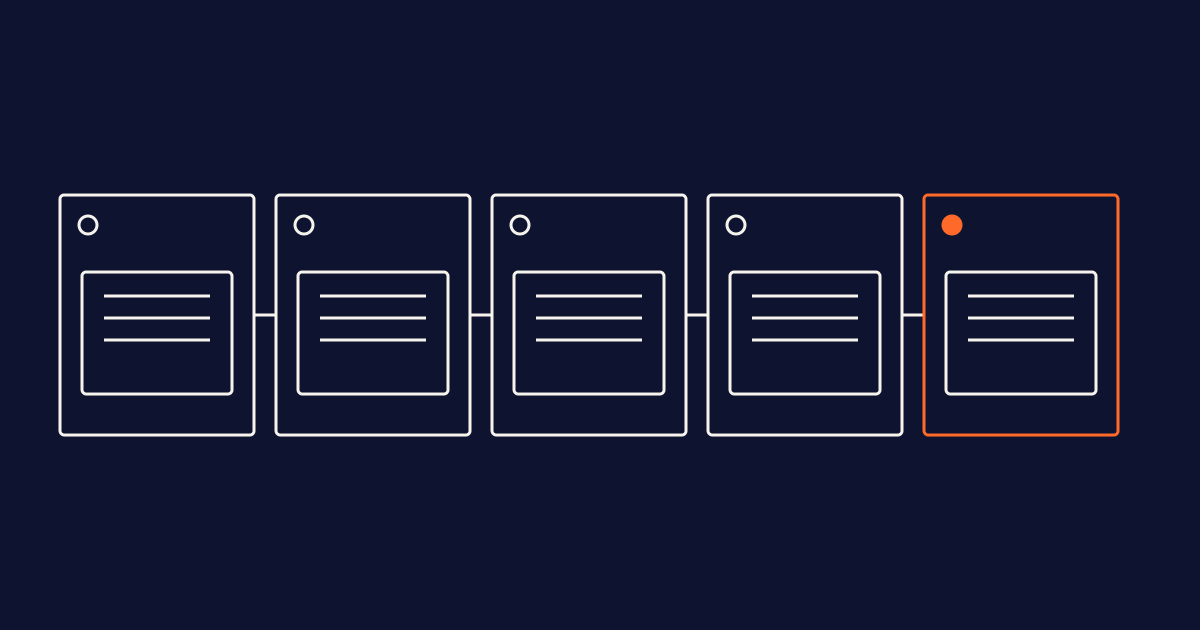
- Inventory: maintain one list of all data sources, including copies, exports and test environments.
- Label: start with four consistent labels, applied at column level wherever possible, and accommodate overlapping categories.
- Assign: name one owner per source who can justify its labels.
- Link: connect each activity in your processing records to the labeled sources it uses.
- Review: confirm labels whenever relevant changes occur and on a regular schedule.
Conclusion
A label is useful only if it is accurate when someone needs it: during an access request, an audit or a data breach. Start small, with four labels and the sources that have the most users, while giving priority to sensitive or high-risk data. Give every label a clear owner and retain a record of changes. This helps your processing records reflect your actual data environment rather than remaining a disconnected document.
Frequently asked questions
Does the GDPR require me to label my data?
No. The GDPR does not prescribe a data-labeling scheme. Article 30 establishes records-of-processing obligations that depend on your role and applicable exceptions, while Article 5(2) establishes accountability. Labels can help connect documentation to your data sources, but they do not prove compliance on their own.
Is a pseudonymised column still personal data?
Yes. Where data can be attributed to a person using additional information, it remains personal data. Article 4(5) defines pseudonymisation, and Recital 26 explains the relevance of identifiability. Use a distinct label to show that safeguards are in place without implying that the data falls outside the GDPR. Any risk reduction depends on how those safeguards are implemented.
Who should assign labels, IT or the business?
A practical approach is for the business data owner to decide the classification under an agreed policy, because they understand the data and its purpose. The data team implements labels and flags new columns. Privacy or governance leads coordinate the rules, with advice and monitoring from the DPO where one is appointed.
How often should I review my labels?
The GDPR does not prescribe a label-review interval. Assess labels whenever a source, column or report is added or materially changed, and ask owners to confirm them on a regular schedule, such as quarterly. Adapt the schedule to your risks and frequency of change.
How do I find personal data in Power BI reports?
Trace the data from labeled sources into the semantic models and reports that use it. Data that remains identifiable needs appropriate classification downstream. Review transformations and aggregations rather than assuming they anonymise the data. Classify reports to make the presence of personal data and the relevant handling restrictions clear to people sharing them.